
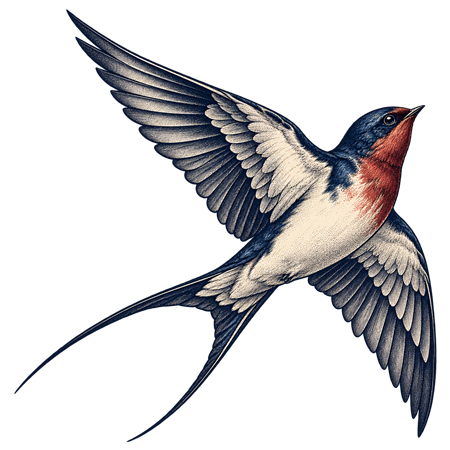
A portfolio photograph should help someone assess the work you actually made. Start with a clear view, controlled light and enough context to understand the subject. Keep an untouched original so you can check every later crop and adjustment against it.
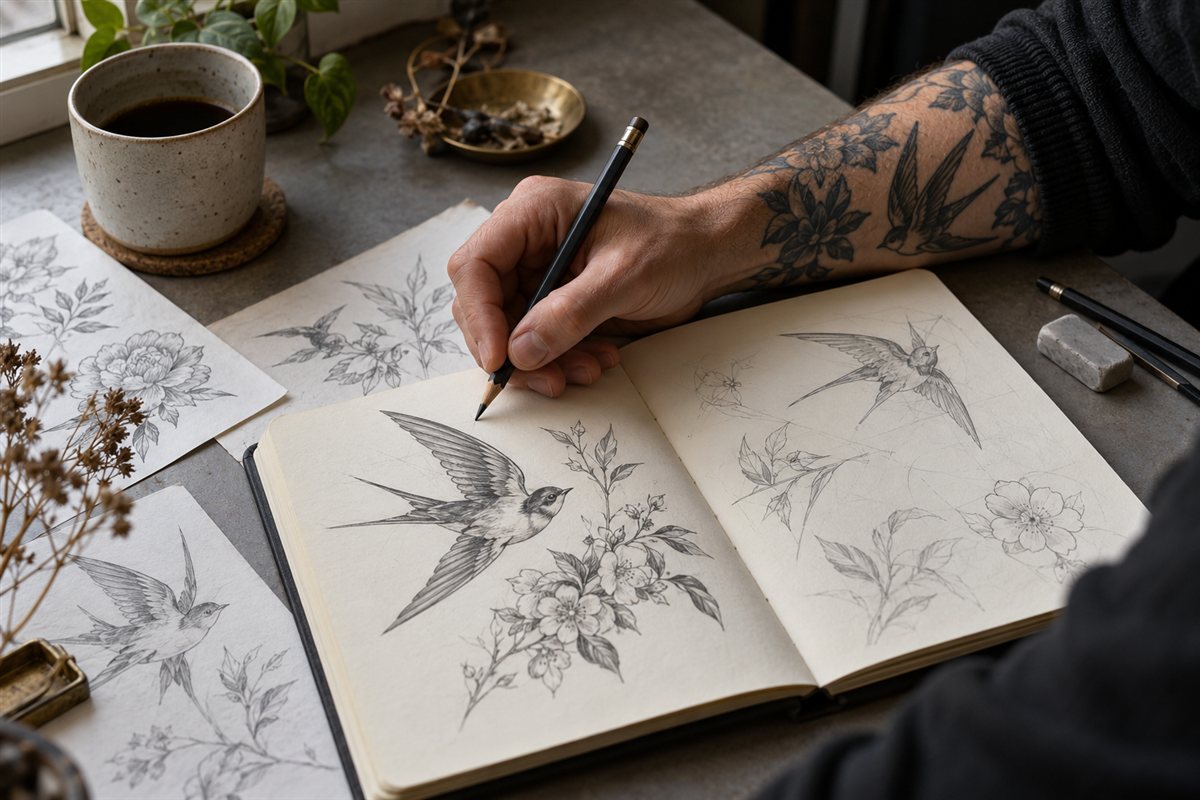
The capture suggestions below are an editorial workflow, not a promise of professional photographic results. They cover documenting artwork and existing tattoo work, not preparing skin or carrying out a procedure.
Decide what the photograph needs to show
For a drawing, take a complete view before making detail images. Include the edges of the artwork so the viewer can understand the composition. A close-up may show line quality, but it cannot replace the overall piece.
For tattoo work, plan an overall view and, where useful, a closer view of a particular detail. Avoid an angle or crop that makes the design's proportions difficult to understand. Record the artist and whether the image shows fresh or healed work; do not imply that an immediate photograph demonstrates the healed result.
If you are applying for training, drawings can show your ability without photographs of tattoos you performed. The portfolio guide covers choosing the work itself.
Make the capture repeatable
For flat artwork, place the page on a stable surface and keep the camera square to it. Check that a rectangular page still looks rectangular in the photograph. Leave a little space around the edges rather than cutting into the drawing.
Start with even light and a simple background. Look at the actual image on screen for glare, a shadow from your hand or a bright patch that hides pencil detail. Adjust the light or camera position and compare another frame. Do not assume the brightest photograph is the clearest one.
Avoid mixing strongly different light colours where possible. If the paper looks yellow or blue compared with the original, address the capture conditions before relying on an editing filter. Use a repeatable location for a series, while checking each subject individually.
Check before you put the subject away
| Check | Look for |
|---|---|
| Focus | Detail visible where it matters, not just a sharp background |
| Framing | Complete intended subject, with no accidental crop |
| Reflection | Glare hiding marks, texture or colour |
| Perspective | Distortion that changes the apparent proportions |
| Background | Names, messages or unrelated people appearing in the frame |
Enlarge the image to inspect detail, then look at it at the size someone will actually view. A photograph that looks sharp as a thumbnail may not support a closer assessment. Retake an unclear image instead of trying to manufacture missing detail afterwards.
Edit for clarity without inventing a result
Work on a copy. Keep the original capture and make the exported version easy to distinguish. A crop or straightening adjustment should preserve the meaning of the image, not hide a weakness relevant to the claim you are making.
Do not redraw lines, intensify selected ink colours, smooth away relevant texture or use generative editing to turn unfinished work into a finished result. Compare the export with the original and ask whether it still represents what a viewer would have seen.
Google's Business Profile guidance requires focused, well-lit photos that represent reality, without significant alteration or excessive filtering. Those are platform requirements for that destination; check its current file requirements before uploading.
Keep comparisons honest
For a genuine before-and-after comparison, aim for comparable framing, scale and lighting. Explain relevant differences rather than using a brighter light or more flattering angle to imply an improvement.
ASA guidance says advertisers need evidence for the impression created by before-and-after images and should retain proof that they are genuine. A disclaimer does not fix an inherently misleading impression. Keep original files and the context behind a comparison, not just a flattened social-media collage.
Publish with the right context
Confirm the intended publication is covered by the relevant permissions and image rights. The Intellectual Property Office explains that photographs and illustrations generally have copyright protection; receiving a file does not by itself resolve permission to republish it.
Attribute the work accurately and keep unrelated personal details out of captions and filenames. Use the studio marketing guide to place the images in a clear enquiry journey. A smaller set of accurate photographs is more useful than a large gallery whose results cannot be fairly understood.
Sources & further reading
Sources checked .